
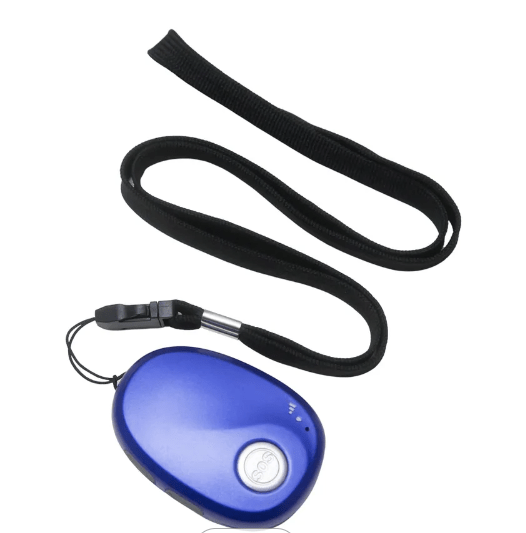
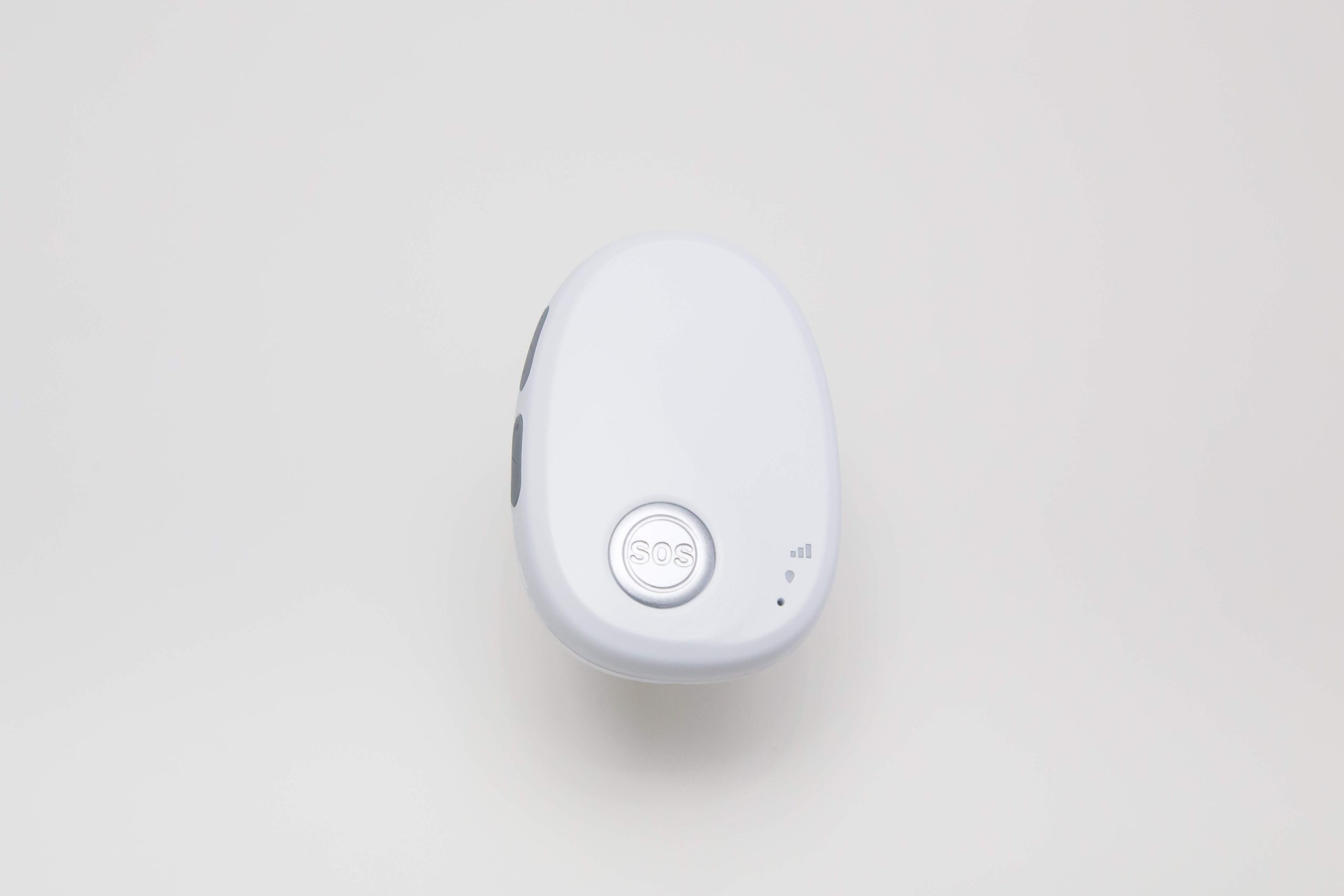
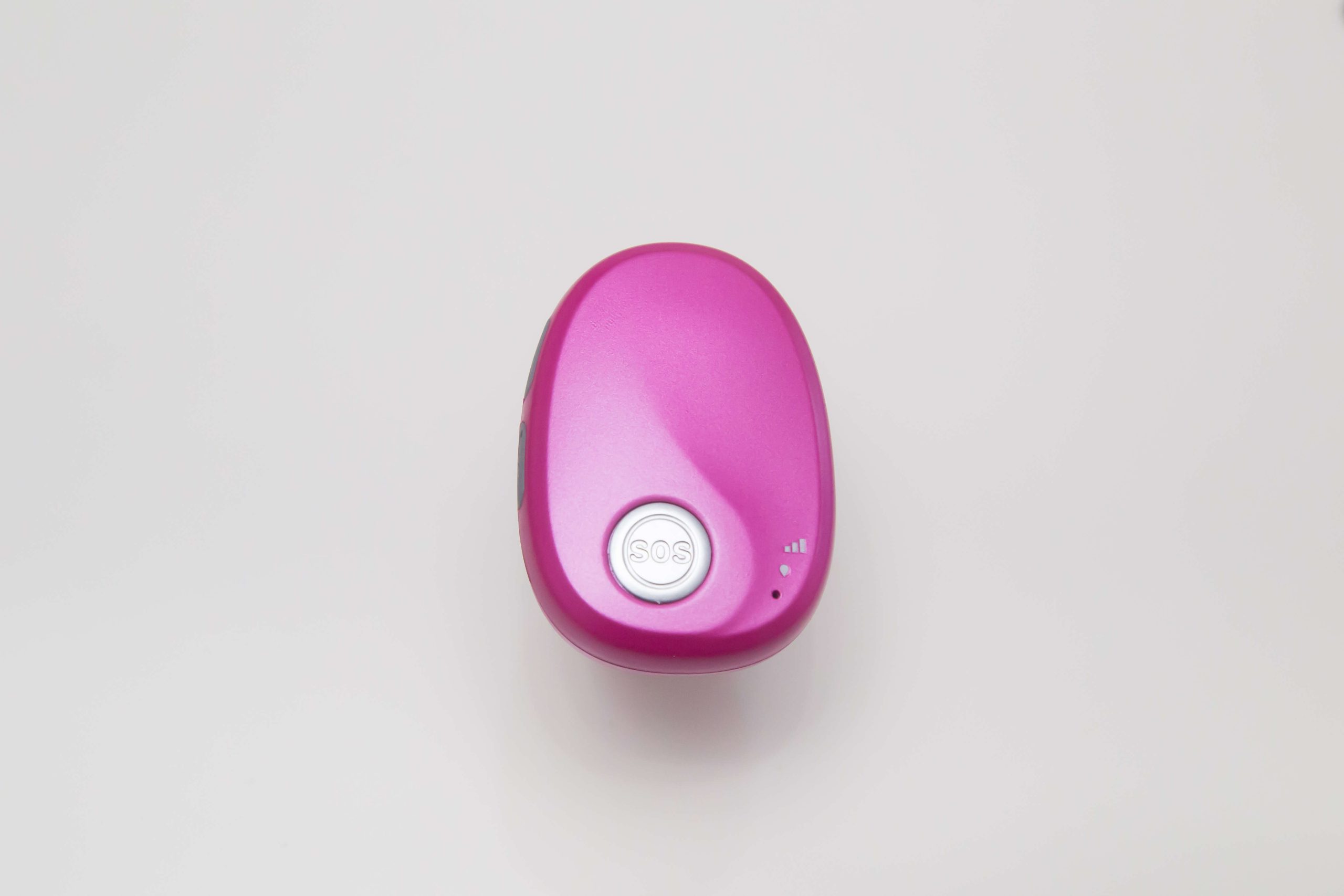
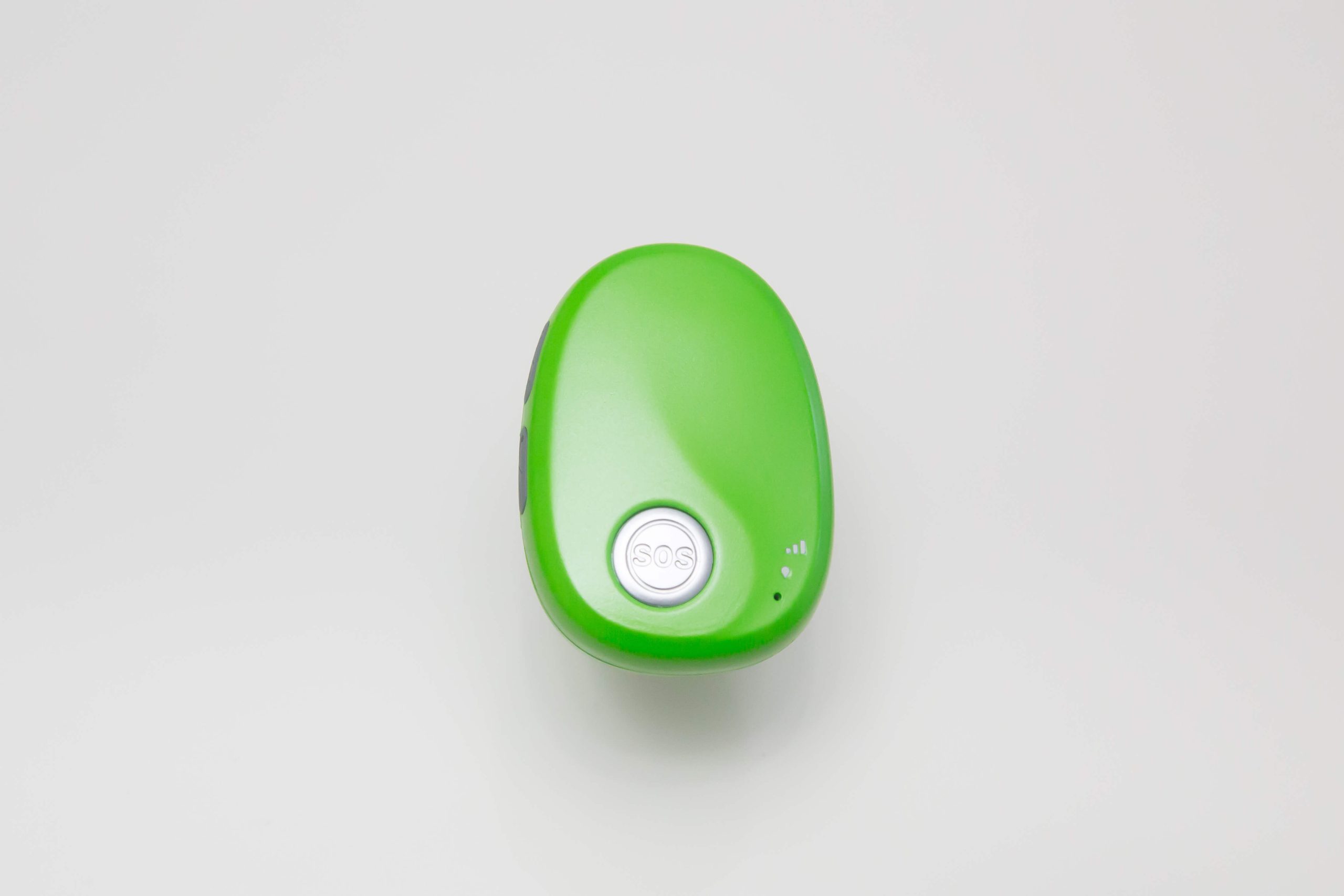
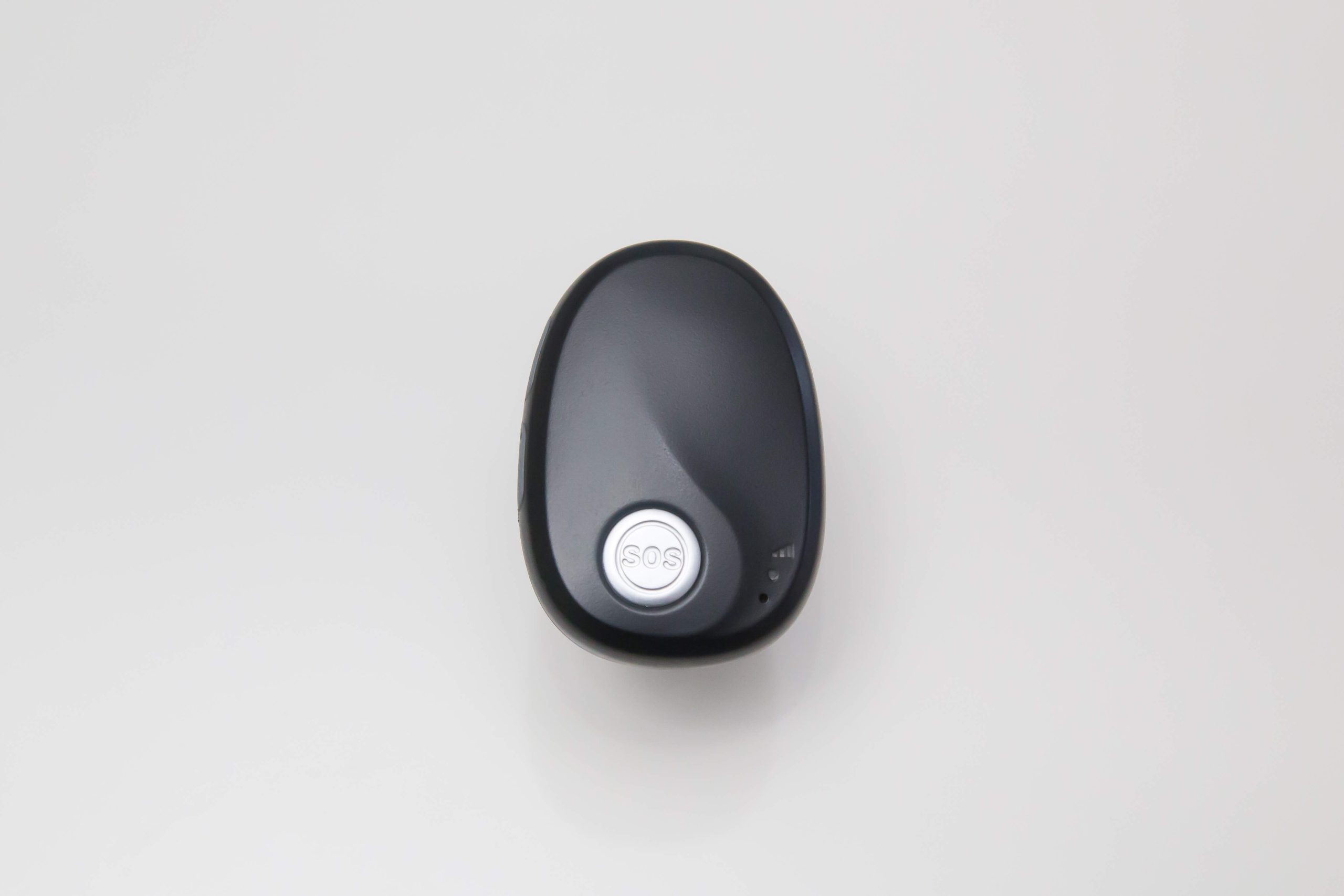
MX5 SOS Fall Alarm Australia – Buy Device Only
MX5 SOS Fall Alarm Australia – Device Only
-
Reliable 4G Connectivity: Uses Telstra’s 4G network for peace of mind at home or on the go.
-
Automatic Fall Detection: Alerts your emergency contacts instantly to ensure help is on the way.
-
Showerproof Design: Wear confidently in the shower or rain—protection when you need it most.
-
Personal Alarm with GPS Pendant: Compact, easy-to-use, and perfect for seniors.
Device purchase only – no SIM or subscription included.
$ 350.00
Share:
Description
MX5 SOS Fall Alarm Australia – Device Only
4G Personal Medical Alarm – Reliable Protection Anywhere
Stay safe and independent with our 4G personal medical alarm, designed for Australian seniors who want confidence at home or on the go.
This fully mobile device connects via the Telstra 4G network — no landline or Wi-Fi needed. Just insert a Telstra pre-paid SIM and enjoy peace of mind wherever there’s coverage.
Instant SOS Alerts with GPS Location
In an emergency, simply press the large SOS button.
Your chosen contacts (up to 3) will receive a text with your exact GPS location and a phone call from the device. It works like a hands-free mobile phone — no app or smartphone required.
Features That Matter
- 4G Connectivity – Works anywhere with mobile signal
- SOS Button – Sends text + calls 3 emergency contacts
- GPS Tracking – Location sent via Google Maps link
- Fall Detection – Auto-alerts contacts if a fall is detected
- Waterproof (IP67) – Safe in the shower or outdoors
- Charging Dock – Easy for seniors to recharge
- Multiple Wear Options – Neck lanyard included; wristband and belt clip available
Simple Setup
Just insert the SIM card, enter your contacts, and it’s ready to go.
We recommend Telstra’s Casual Prepaid Plan – only $39 for 6 months of credit.
Ideal for Independent Seniors
Whether living alone, managing a medical condition, or simply staying active, the 4G personal medical alarm offers dependable protection 24/7 — at home, in the garden, or out shopping.
Frequently Asked Questions
What are the ongoing costs for a personal alarm?
The ongoing costs depend on the mobile plan you choose. Telstra currently offers a prepaid plan at $39 every six months, while Aldi Mobile provides a 365-day plan. Costs vary depending on usage and provider.
Can we go overseas with this device?
Yes, you can use the device overseas; however, roaming charges apply. It’s best to check with your provider for detailed advice. Alternatively, you can use a local SIM card that is compatible with the device’s telco bandwidths to ensure GPS functionality abroad.
What is the most common issue when setting up a SOS Fall Alarm?
Great question! The first concern people usually have is thinking the setup is complicated — don’t worry, it’s as simple as 1‑2‑3. The second common issue is forgetting to turn off voicemail. Once that’s done, the rest of the setup is plain sailing.
How to Set Your MX5 GPS Personal Fall Alarm
When opening the box, make sure you have everything:
- The MX5 Fall Alert device
- Charging Dock
- Lanyard
- Screwdriver
- Instruction Manual PDF – check your inbox
How to Install the SIM Card
- Activate the SIM card, record the new number, and turn voicemail off.
A word of advice; The next part doesn’t require a rocket scientist so relax! - Unscrew the device and carefully pull it apart. Be mindful of internal wiring.
- Insert the SIM card into the slot and lock it in. Make sure it is correctly seated.
- Close the device and secure it with screws. Do not over-tighten.
What to Do Next
- Turn on the MX5 4G personal alarm pendant.
- For one contact: Using your mobile phone, text this to the new SIM number:
000000B11,0410666555
Wait for confirmation. - For two contacts: Text:
000000B11,0410666555,0444888555
Wait for confirmation. - For three contacts, follow 3 and just add the third
Download the Full Setup Guide
📄 Download MX5 Setup Guide (PDF)
This setup guide is provided by AbbiCare. For further assistance, please call 1300 884 975.
Additional information
| colour | Black, Blue, Green, Pink, White |
|---|